

Blog · Baptism
Baptism: How to Keep Photos From the Whole Family, From Grandparents to the Youngest Kids
August 12, 2026 · 4 min read
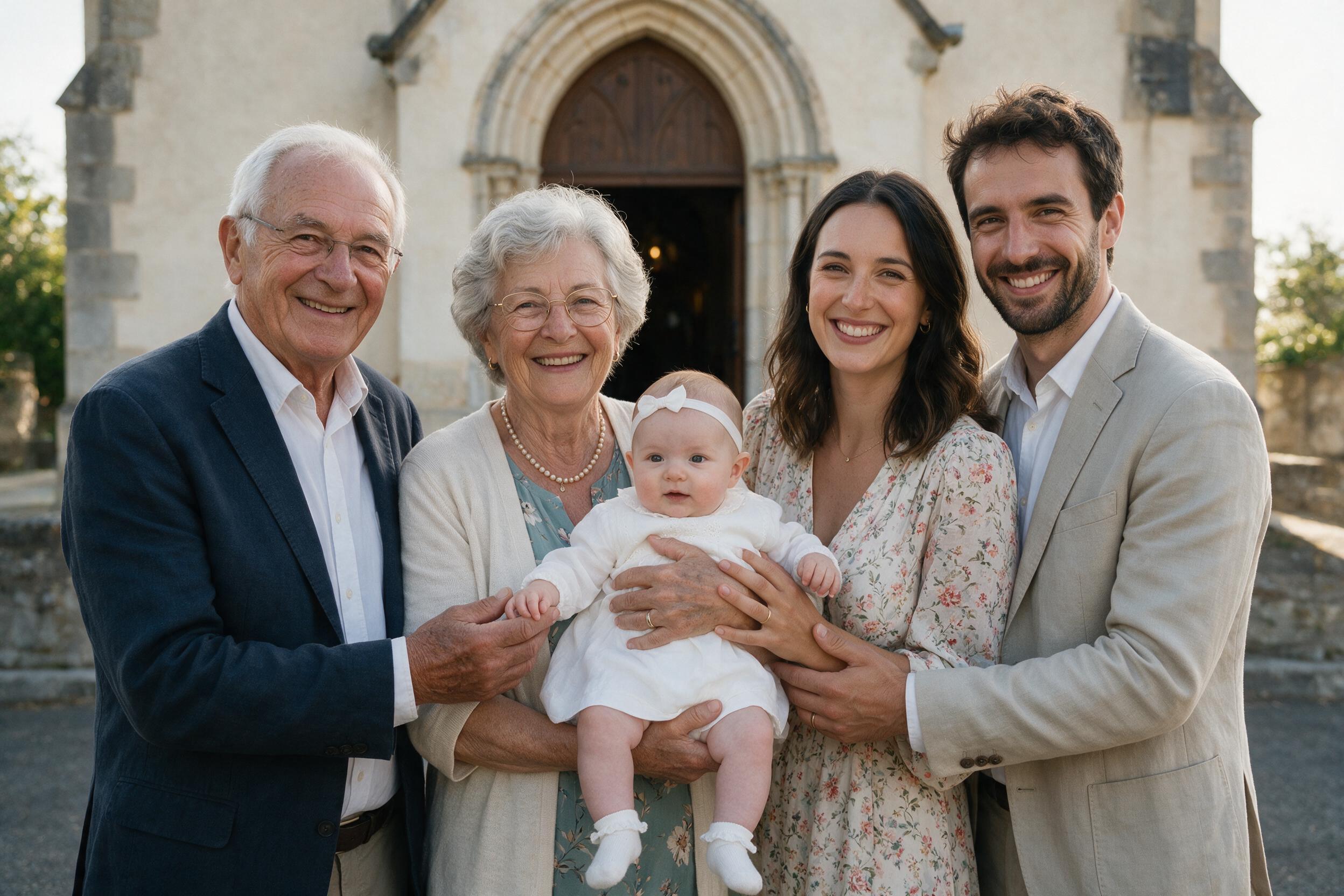
One Event, Two Parts, and a Lot of People to Photograph
A baptism unfolds in two distinct parts: the ceremony, often religious and solemn, then the meal or reception, much more relaxed. Both deserve to be kept, and both bring together a wide crowd: godparents, grandparents on both sides, distant cousins you only see on occasions like this.
The Real Obstacle: Technology, Not Goodwill
It is often at a baptism that this question comes up most concretely: how do you ask a 78-year-old grandmother to send her photos to a WhatsApp group she barely knows how to use, or to create a Google Drive account just for the occasion? The goodwill is there. So is the technical barrier.
Scanning a QR Code: A Gesture Everyone Already Knows
That is exactly what a smartphone camera already knows how to do with no settings needed: point it at a QR code displayed on a card, at the church entrance or on the tables at the meal. The link opens directly in the browser, no app to download, no account to create. For people who are less comfortable with their phone, it is often the only method that actually works on the first try.
One Album That Spans Generations
This way you collect the ceremony photos taken by some, and the meal photos taken by others, in a single private album, in original quality. Enough to build a real family keepsake, without having to chase anyone for three weeks.
Frequently Asked Questions
How can grandparents send their photos without an account or an app?
All they need to do is scan the QR code with their phone's camera: the page opens in the browser and sending takes just a few taps, with no account to create.
Does the baptism album cover both the ceremony and the meal?
Yes, a single album can receive photos and videos from both moments: just display the QR code at the church as well as at the reception venue.
Are the photos kept in original quality?
Yes, photos and videos, up to 2 GB per file, are sent and stored in original quality, with no compression.
What if a guest isn't comfortable with their phone?
Scanning a QR code is a gesture the phone's camera recognizes automatically, with no settings to adjust and no app to look for: it is the simplest method for the least tech-savvy guests.
Can we receive photos from the preparations, before the ceremony?
Yes, as soon as the album is created and the QR code shared, uploads can start even before the big day.
How do we get all the photos at the end?
The organizer downloads the entire album in one click, in original quality, from their private dashboard.