

Blog · Guides
10 Tips to Get Your Guests to Actually Share Their Photos and Videos
August 22, 2026 · 5 min read
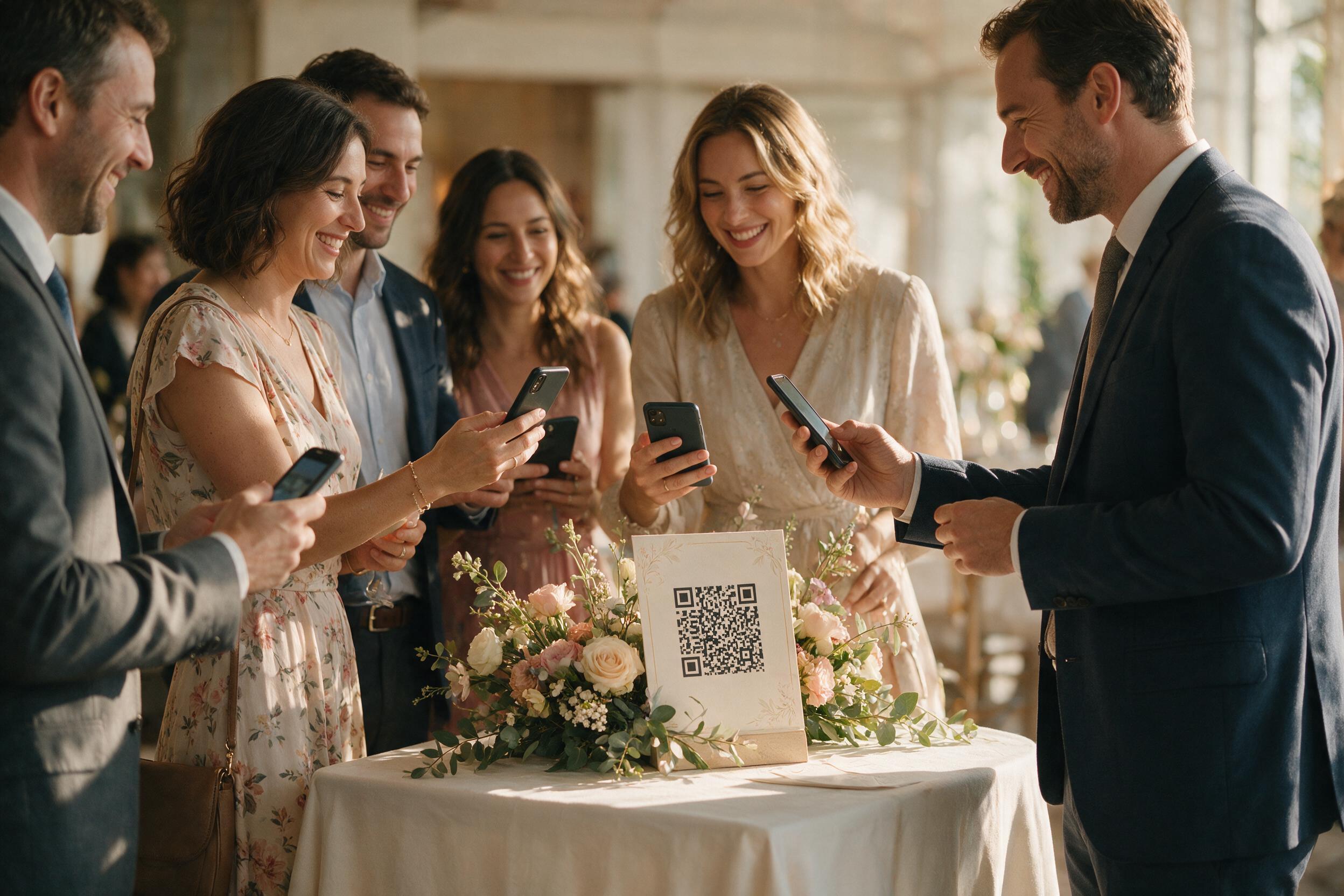
1. Display the QR Code Everywhere a Guest Might Take a Photo
Tables, the bar, cocktail hour, the entrance, the restrooms: multiply the touchpoints so a guest who just captured a moment always has a QR code within ten meters.
2. Make the Announcement Out Loud, at the Right Moment
A card on a table gets noticed far less than an announcement from the DJ or officiant at the start of the night. Keep the instruction simple: "scan the card, send your best photos and videos."
3. Test the System Before the Big Day
Scan the QR code yourself with two or three different phones, send a photo and a video. Ten seconds is enough to check everything works and avoid nasty surprises.
4. Launch a Mini Challenge
"Funniest photo of the night wins a dare": this kind of simple game noticeably boosts participation, especially among younger guests.
5. Remind Guests About It Throughout the Night
A single announcement at the start of the night is rarely enough on its own: a discreet reminder at dessert time or when the dance floor opens catches guests who arrived late or were distracted earlier.
6. Leave Uploads Open After the Event
Getting-ready photos, next-day brunch shots, or a forgotten video often arrive 24 to 48 hours late: don't close the album too soon.
7. Choose a System With No Technical Friction
An app to download or an account to create rules out some guests before they even try. A simple scan, with nothing to install, maximizes participation.
8. Target the Moments With the Highest Emotional Value
Bring up the QR code right before the most-filmed moments (speeches, the first kiss, the first dance): that is where guests capture their best videos.
9. Get the Kids and Younger Guests Involved
Often the most comfortable with their phones, they happily join in when given a clear role, like being the night's "official reporter."
10. Say Thank You and Show the Result
A thank-you message after the event, with a preview of the finished album, encourages latecomers to send the files they had forgotten.
Frequently Asked Questions
How do I get older guests to participate?
By choosing a system with no app or account to create: a simple QR code scan with the phone's camera remains the most accessible gesture.
Should the QR code be mentioned more than once during the night?
Yes, a single announcement at the start of the night is usually not enough; a reminder before key moments (speeches, the first dance) boosts participation.
Does a game or challenge really improve participation?
Yes, a simple mini challenge like rewarding the funniest photo of the night is an effective lever, especially with younger guests.
How long after the event should uploads stay open?
A few days, usually 48 hours to a week, to collect photos and videos sent a bit late.
Where should the QR code go for maximum impact?
Everywhere a guest has just taken a photo: tables, the bar, cocktail hour, the entrance, and even the restrooms, often the most-read spot of the night.
Should the system be tested before the event?
Yes, a quick test with two or three different phones before the big day helps avoid any technical issue on the day itself.