

Blog · Guides
Shared Photo Album: Google Photos, Dropbox, or QR Code, Which Should You Choose
August 23, 2026 · 5 min read
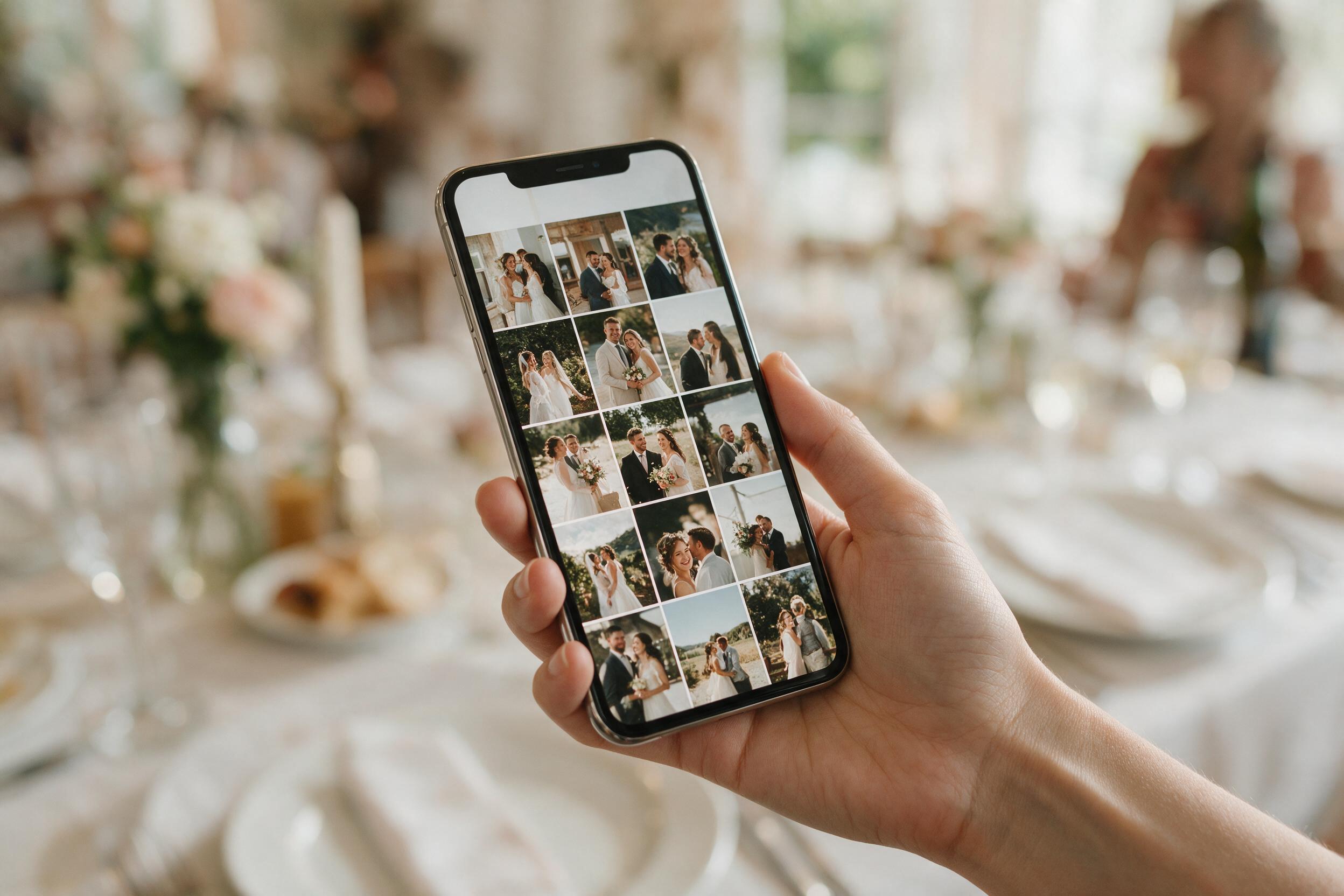
Google Photos: Simple for You, Not for Everyone
Creating a shared Google Photos album is quick for the organizer, but it assumes every guest has a Google account and knows how to use the sharing feature. In practice, some guests, especially the least tech-savvy, will never manage it without help.
Dropbox: Quality at the Cost of Complexity
A shared Dropbox folder preserves file quality well, but it requires an account, sometimes an app, and an upload process that many guests put off and then forget. The common outcome: a handful of active contributors, and a folder that only reflects a small slice of the event.
Dedicated Apps: Powerful, but With an Entry Barrier
Some apps built specifically for event sharing exist, with advanced features like automatic sorting or facial recognition. Their limitation stays the same: downloading an app before you can even take part, a step that discourages some guests, particularly those not used to installing new apps.
The No-Account QR Code: As Little Friction as Possible
An album accessible with a simple QR code scan, no app and no account, removes the last barrier: the phone's native camera is all it takes. This is usually the method that gets the highest participation rate, precisely because it asks almost nothing of the guest.
The Summary Table
Google Photos and Dropbox work well for personal use among people already equipped with the same tools. Dedicated apps suit organizers willing to ask for an install effort in exchange for advanced features. The no-account QR code works for every crowd, especially the largest and most multigenerational ones, where simplicity beats features.
Frequently Asked Questions
Is Google Photos enough for a wedding or an event?
It depends on the crowd: Google Photos works well if every guest already has a Google account, but it often excludes part of the crowd, especially the least tech-savvy.
What is Dropbox's main limitation for an event?
The need for an account and a manual upload process, which discourages some guests and sharply reduces the number of contributors.
Why does a no-account QR code get more participation?
Because it requires no install and no account creation: the phone's camera is all it takes to scan and send directly.
Are dedicated event-sharing apps worth it?
They bring advanced features, but the upfront download remains a real barrier to participation, especially for guests less comfortable with their phone.
Which solution should I choose for a multigenerational crowd?
A no-account QR code album, since it is the most accessible method for people less familiar with technology, like grandparents.
Does photo quality suffer depending on the method chosen?
Google Photos and Dropbox preserve quality well, as does a QR code album built for event use: the real difference is in participation, not in the quality of the files received.